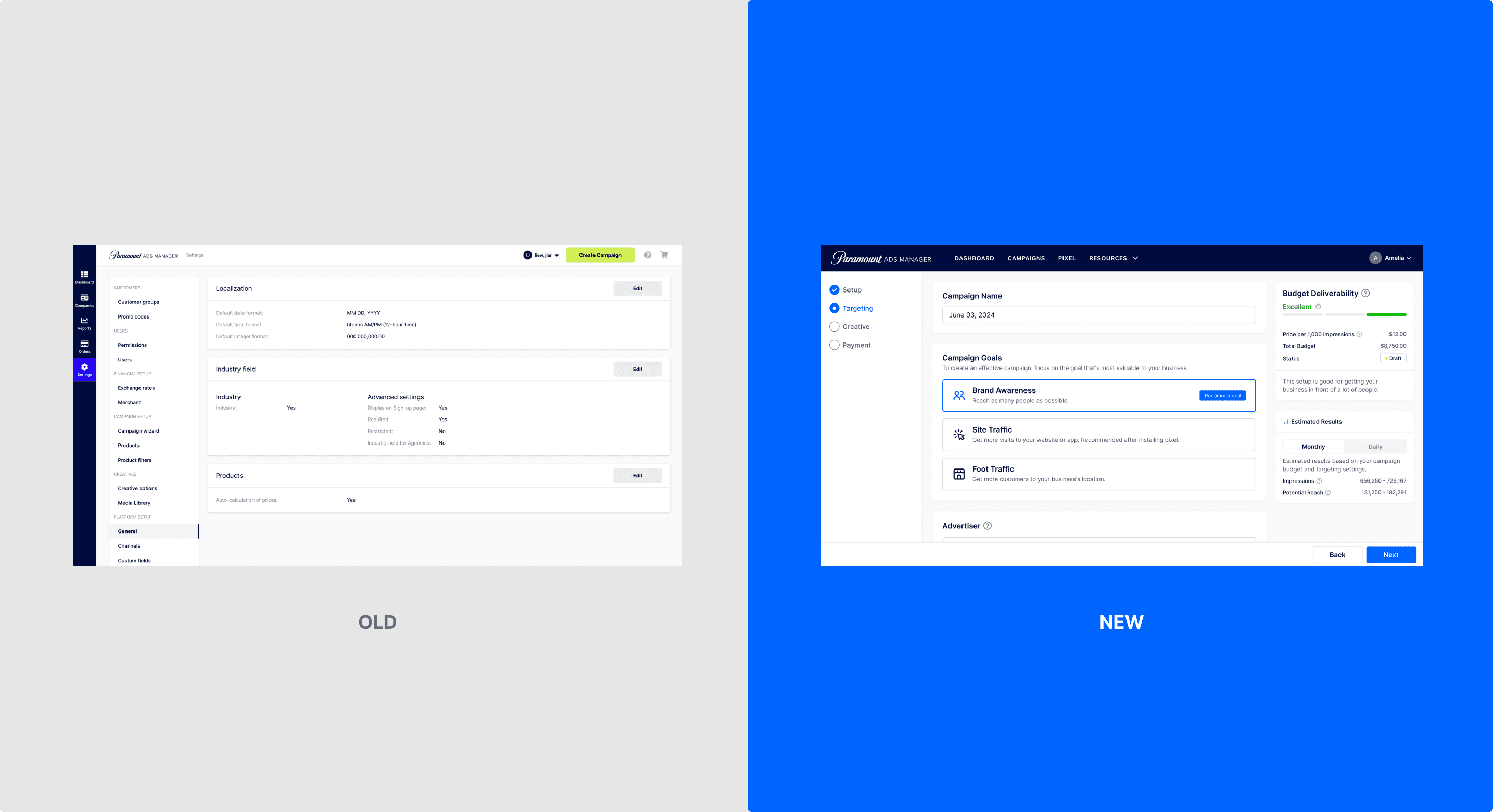
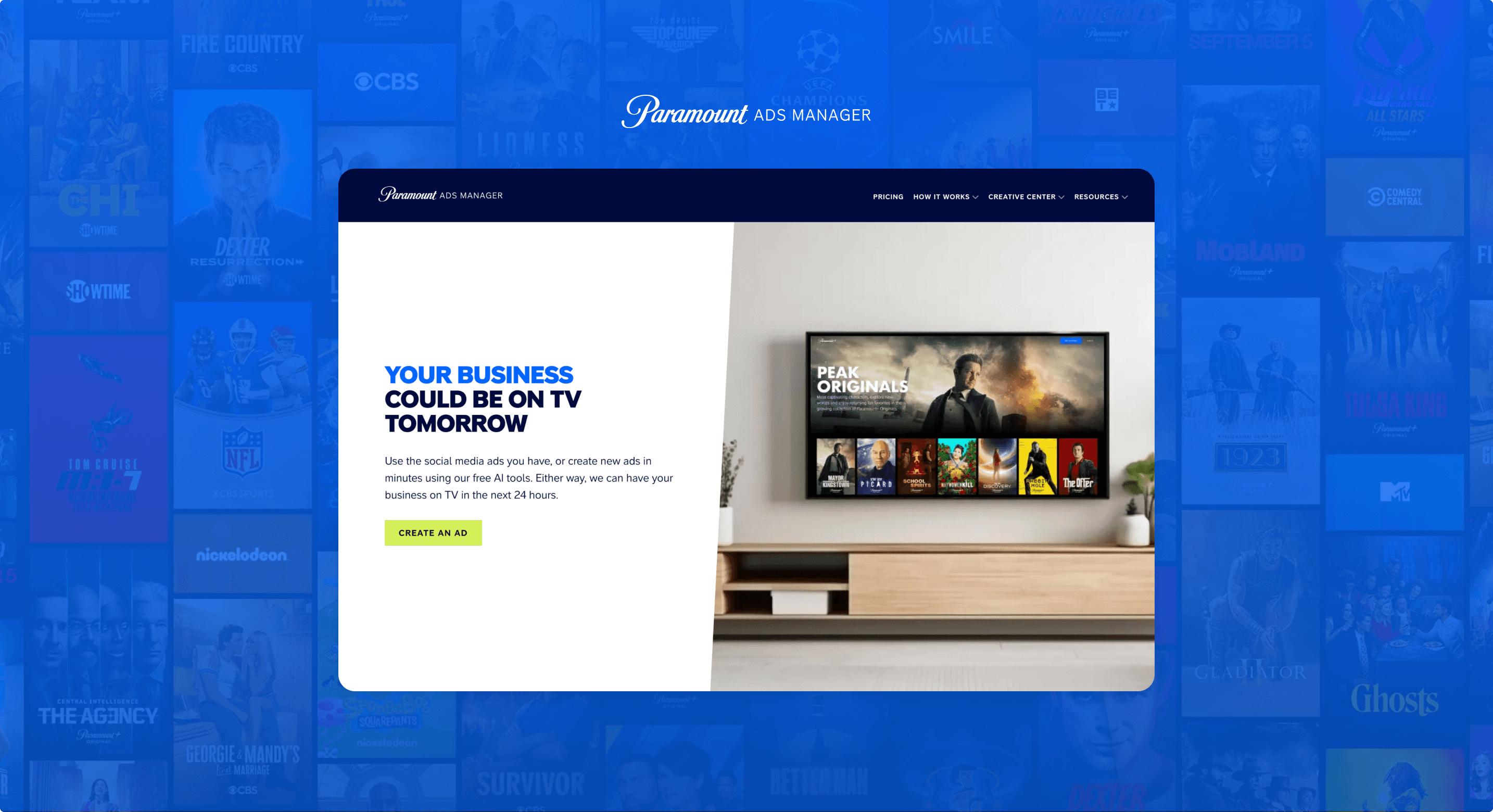
Paramount Ads Manager is a self-serve advertising platform that enables businesses to create and run ads on Paramount+. The platform serves a range of advertisers, from small and medium-sized businesses launching their first streaming campaign to larger agencies and more experienced advertisers managing campaigns at scale.
Because SMBs are our primary audience, I designed the experience with their needs in mind—making unfamiliar advertising concepts easier to understand and reducing the friction involved in creating a campaign. At the same time, the experience needed to provide enough flexibility and control to support more experienced advertisers.
As the sole Product Designer for the platform, I led the end-to-end design effort to make campaign creation more approachable, from identifying where advertisers were getting stuck to redesigning the campaign flow, improving the creative experience, and expanding the product beyond desktop.
Creating an ad campaign on Paramount+ isn't inherently complex—but for many SMBs, it can feel that way.
Many advertisers come to the platform with preconceived ideas about traditional TV advertising: high costs, long timelines, agency involvement, and complicated production requirements. These expectations can make advertising on TV feel intimidating and out of reach before users even begin creating a campaign.
Our challenge was to make streaming TV advertising feel as approachable as other digital advertising platforms, while still providing the flexibility and control that more experienced advertisers expect.
How might we make advertising on Paramount+ feel accessible to businesses of all sizes and levels of experience?
As the sole Product Designer on the Paramount Ads team, I owned the end-to-end product experience across the platform.
I partnered closely with Product Managers and Engineers, as well as Sales and Customer Success, to understand customer needs, identify opportunities, shape priorities, and take solutions from early concepts through testing and implementation.
Because the platform serves advertisers with very different levels of experience, I had to balance simplicity and guidance for first-time advertisers with the flexibility and control needed by more experienced advertisers.
This meant thinking beyond individual screens and considering how the entire campaign experience worked together.
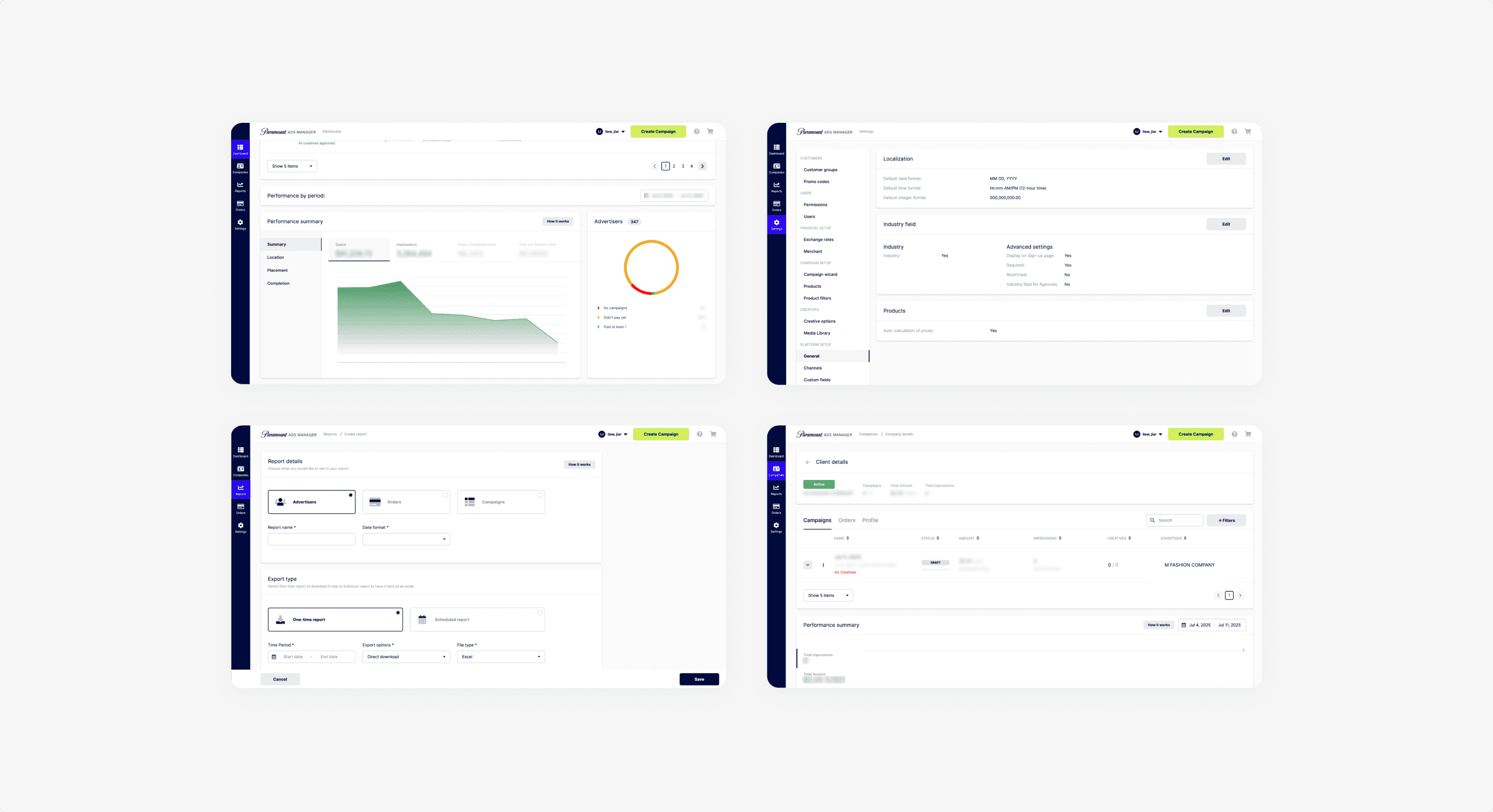
Rather than starting with a particular screen or feature, I first looked at where advertisers were dropping off.
Working with our Data Analytics team, I analyzed the campaign funnel and found that the largest drop-off occurred during the Add a Creative step.
Mobile usage also stood out. A significant portion of traffic came from mobile devices, yet conversion was substantially lower than on desktop.
Most importantly, advertisers who entered the creative step but didn't complete it rarely returned to finish their campaign.
These findings helped us identify where the biggest opportunities were—but we still needed to understand why users were struggling.
Understanding the why
I partnered with internal stakeholders and gathered qualitative insights from SMB advertisers to understand the problems behind the numbers.
We found that:
Advertisers wanted simpler targeting tools and clearer explanations of where their ads would appear.
Many SMBs didn't already have a video asset and relied on our AI-powered video generator.
Users needed more reassurance, feedback, and guidance during moments that felt high-risk—particularly when uploading or creating a video ad.
The research suggested that users weren't necessarily abandoning because they lacked interest in advertising. They were encountering uncertainty at key moments and weren't always confident they were making the right decision.
The opportunity wasn't simply to remove steps. It was to make the process easier to understand and give advertisers confidence along the way.
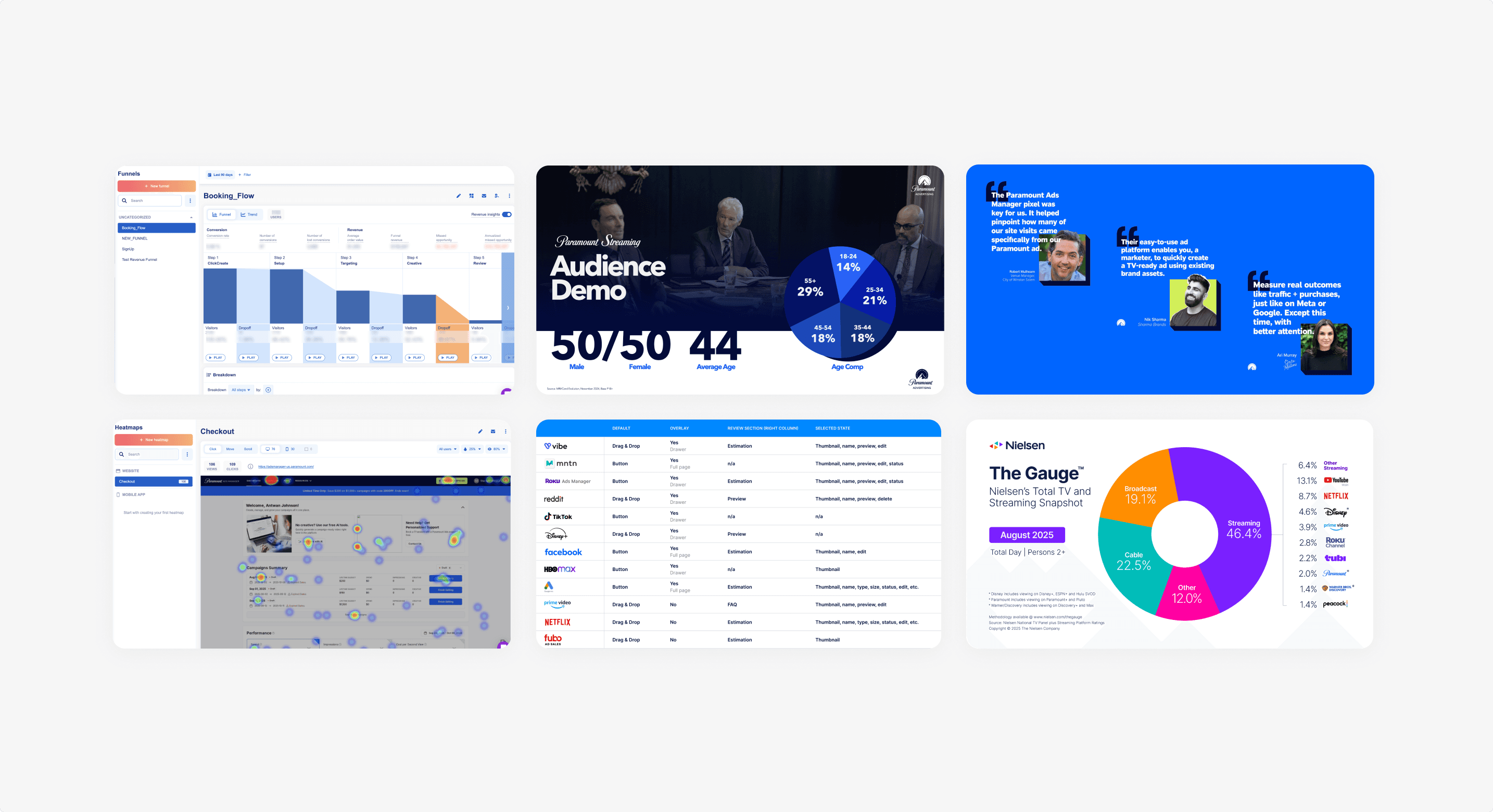
With the research and data in hand, I worked with Product and Engineering to prioritize where we could have the greatest impact.
We aligned around three principles:
Simplify without hiding complexity: Reduce friction and decision fatigue while making unfamiliar decisions easier to understand.
Design around real advertiser behavior: Support the different ways advertisers explore, create, and manage campaigns across desktop and mobile.
Build confidence at moments of uncertainty: Help advertisers understand what they're doing, what happens next, and whether they're on the right track.
These principles became the foundation for the redesign.
One of the biggest opportunities was reducing the number of decisions advertisers had to make when setting up a campaign. But simplifying the flow didn't mean making arbitrary recommendations or hiding options. We looked at what we already knew about each advertiser and used that information to make the experience more relevant. We used these signals to personalize recommendations throughout campaign creation—such as suggested campaign settings, targeting, and budget guidance—based on what was most likely to help that advertiser achieve a successful outcome.
For example, instead of asking every advertiser to start from a blank slate, we could recommend settings based on their business and previous campaign behavior. The advertiser could still adjust these recommendations, but they didn't have to make every decision from scratch.
This approach allowed us to simplify without sacrificing control. Rather than removing complexity from the product, we reduced the amount of complexity each advertiser had to navigate by surfacing the most relevant options first.
The goal was to make campaign creation feel less like configuring a complicated advertising system and more like being guided toward the choices most likely to work.
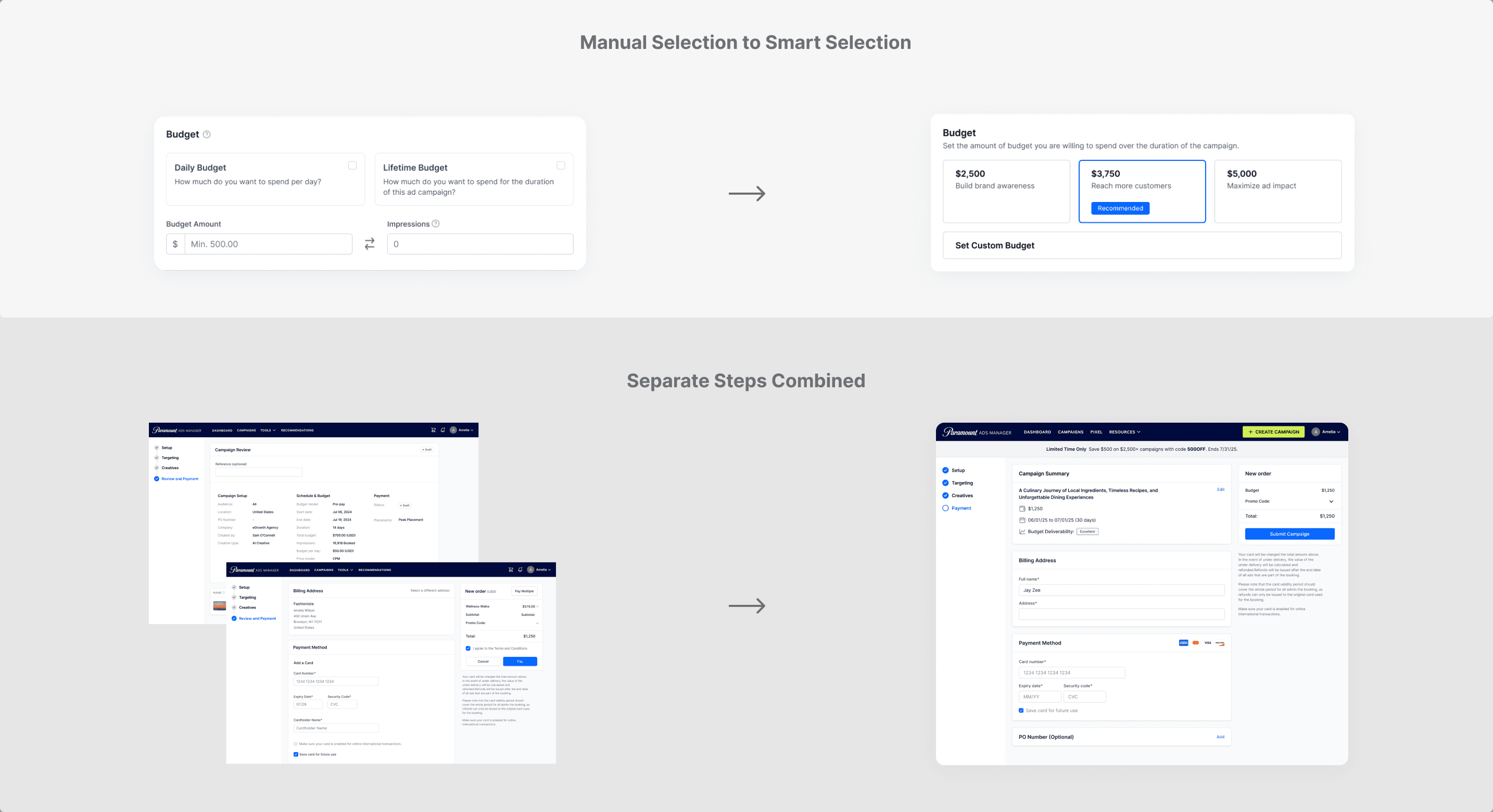
The biggest drop-off in the campaign funnel happened during the Add a Creative step. When we looked closer, the problem wasn't simply that advertisers were struggling to upload a video—the experience wasn't making the most important decision clear.
The page presented multiple options at once, including uploading a new video, selecting a previously uploaded video, and creating a video with AI. Without a clear hierarchy, these options competed for attention and made the next step harder to understand.
We stepped back and reframed the experience around a single question: Do you already have a video?
From there, the experience could guide advertisers down one of two clear paths.
1. I have a video: Advertisers could either upload a new video directly from their computer or select one of their previously uploaded videos from their creative library.
2. I don't have a video: Advertisers were guided directly to our AI video creation experience, giving them a clear way to create an ad without needing an existing video asset.
By making the initial decision clear and revealing the relevant options only after a user chose a path, we reduced the amount of information presented at once while keeping the functionality advertisers needed.
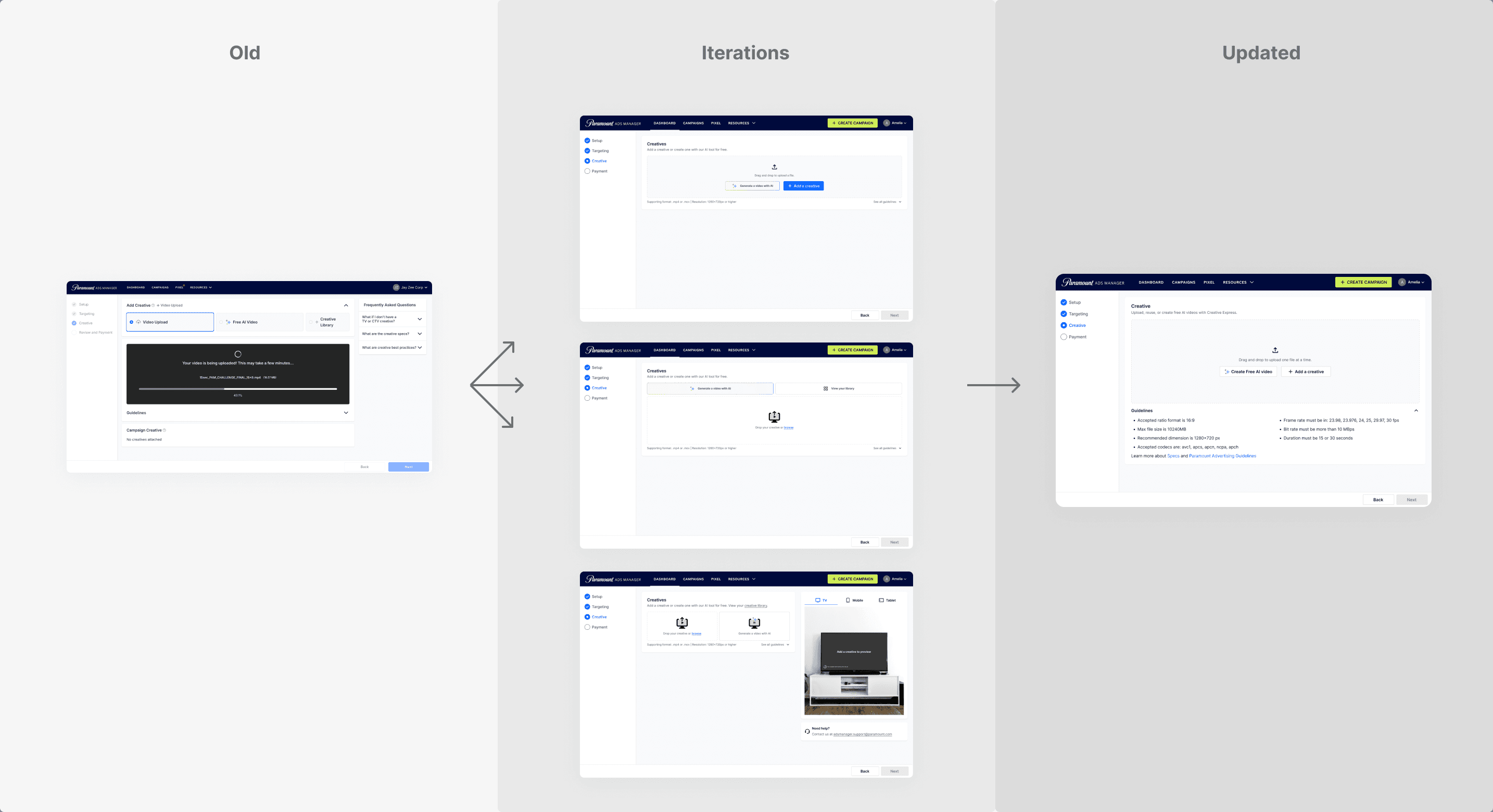
Historically, Ads Manager was designed primarily for desktop. The platform's biggest actions—creating campaigns, uploading video assets from a computer, and installing pixel tracking—were tasks advertisers typically completed from their desktops. Our competitive analysis reinforced this assumption: other major advertising platforms also prioritized desktop experiences and did not offer responsive versions of their products.
However, our own analytics showed that mobile represented a significant portion of traffic to Ads Manager. When we looked closer at how users were behaving on mobile, we found that they weren't necessarily trying to complete the same tasks they did on desktop.
The biggest mobile behaviors were monitoring launched campaigns and learning more about advertising on Paramount+. Meanwhile, larger action-oriented tasks continued to happen primarily on desktop.
This shifted our approach to responsive design. Rather than simply shrinking the desktop experience, I designed around the behaviors that mattered most on mobile—making campaign performance easy to check on the go and ensuring key information remained accessible and easy to understand on smaller screens.
The result was a responsive experience designed around how advertisers actually used the platform, rather than assuming mobile needed to replicate every desktop workflow.

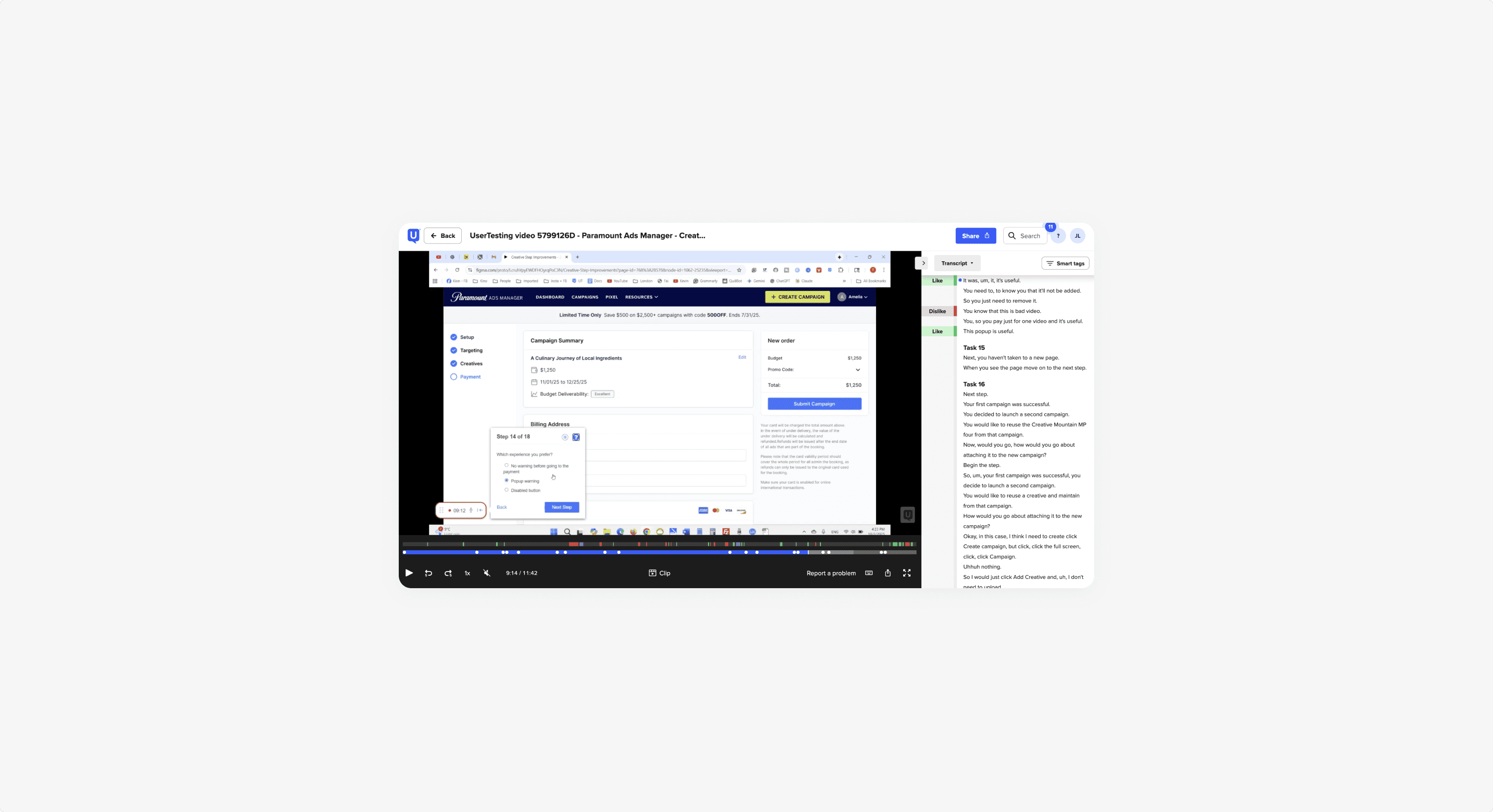
I tested designs iteratively throughout the process with internal stakeholders, Sales and Customer Success teams, and a select group of SMB advertisers.
Testing focused on three questions:
1. Is it clear?
Can advertisers understand what each step is asking them to do?
2. Is it efficient?
Can they complete the campaign without unnecessary steps or decisions?
3. Does it build confidence?
Do advertisers feel like they know what is happening and what to do next?
Testing helped validate the redesigned campaign flow across desktop and mobile and surfaced additional opportunities to refine the experience. One particularly encouraging result came from the redesigned creative experience: mobile participants were significantly more successful completing AI ad creation, suggesting that removing the desktop-first assumptions from the experience was addressing a real barrier.
The redesign focused on one overarching goal: Make it easier for businesses to go from wanting to advertise on Paramount+ to actually launching a campaign.
1. Early results from the creative redesign: ~24% increase
in creative step completion
2. Increased adoption
of AI-generated ads
3. Improved completion
on mobile
Beyond the creative step, the broader campaign redesign reduced unnecessary steps and clicks, improved guidance, and helped advertisers navigate the process with greater confidence.
The work continues to evolve as we learn from advertisers and refine the platform, but the redesign established a stronger foundation for making streaming TV advertising more accessible to businesses of all sizes.